
Introduction
Adding an AI chatbot to your website used to mean hiring a developer. Not any more. A growing list of no-code tools let you build one by pointing at your help docs and clicking publish.
The hard part is no longer building the chatbot. It’s choosing the right no-code chatbot builder from a crowded field where every vendor insists it’s the best. (If you’d rather build one yourself from scratch, our guide to building an AI chatbot walks through that route.)
We tested the main options and compared them on what actually matters: how fast you can launch, how accurate the answers are, what you pay, and who each tool suits. This guide groups nine no-code chatbot builders by use case, so you can match a tool to your situation instead of wading through nine sales pages.
Disclaimer: we make one of the tools on this list (Resolve247). We’re a good option for some situations, so we’ve included ourselves alongside some great alternatives too. Every tool is listed alphabetically, not ranked, and judged against the same criteria. Where a competitor is the better fit, we say so.

How We Tested These No-Code Chatbot Builders
Most “best chatbot builder” lists are written by a vendor who happens to rank first. We wanted to avoid that, so we set clear criteria before we started and applied them to every tool equally.
We judged each no-code chatbot builder on five things:
- Ease of use. Can a non-technical person build and launch a bot, and how long does it take?
- AI quality and accuracy. Does it use a modern AI model, can it train on your own content, and does it make things up?
- Price and free options. What does it really cost once you account for usage, seats, and add-ons?
- Channels and integrations. Where can the bot run (website, WhatsApp, Messenger), and does it connect to the tools you already use?
- Best-fit use case. Who is this tool genuinely built for?
The 9 Best No-Code Chatbot Builders at a Glance
Here is the shortlist, grouped by who each tool suits best, with each builder’s name linking to its full review below. Tools are listed alphabetically, not ranked. Prices are starting points as of June 2026.
| Builder | Best for | Type | Free option | From |
|---|---|---|---|---|
| Botpress | Developers who want full control | Hybrid (open-source) | Yes | Pay-as-you-go |
| Chatbase | Enterprise teams | AI (knowledge base) | Trial | ~$40/mo |
| Crisp | An all-in-one messaging suite | Hybrid | Yes | ~$45/mo |
| HubSpot | Teams that want a full CRM | AI + rule-based | CRM only | Pro plan + credits |
| Landbot | Interactive lead-capture flows | Flow (visual) | Yes | ~$40/mo |
| ManyChat | Social media marketing | Flow | Yes | $15/mo |
| Resolve247 | Small business customer support | AI (knowledge base) | 30-day trial | $35/mo |
| Tidio | Ecommerce stores | Hybrid | Yes | ~$29/mo |
| Voiceflow | Designing advanced AI agents | AI (agent design) | Yes | ~$60/mo |
Flow Builders vs AI Chatbots: Which Type Do You Need?
Before you pick a tool, it helps to know that “no-code chatbot builder” covers two very different things. Getting this wrong is the most common mistake we see.
A flow builder lets you draw a conversation by hand. You create a decision tree of buttons and scripted replies, and the bot follows the path you designed. Flow builders (like Landbot and ManyChat) are excellent for lead capture, quizzes, and marketing campaigns where you want to control every step. The downside: they only handle questions you anticipated.
An AI chatbot works the other way round. You point it at your website or help docs, and it reads that content and answers questions in its own words, including ones you never scripted. Tools like Chatbase and Resolve247 work this way. It’s the better fit for customer support, where people ask the same thing in a hundred different ways.
Some tools (Crisp, Tidio, HubSpot) are hybrids that offer both. And a word of warning from real users: trying to build your own AI bot on a general no-code platform can be painful. As one builder put it on Reddit, a do-it-yourself setup was “very fiddly to set up” and “really slow with API calls”. A purpose-built tool saves you that headache.
If you want a deeper buyer’s framework, see our guide on how to choose an AI chatbot.
The 9 Best No-Code Chatbot Builders (Reviews)
Listed alphabetically. Each entry covers what the tool does well, who it suits, and when to skip it.
Botpress
Botpress is the most technical tool on this list. It pairs a visual flow builder with AI nodes, connects to external databases and APIs, and is open-source, so you can self-host and customise almost anything.
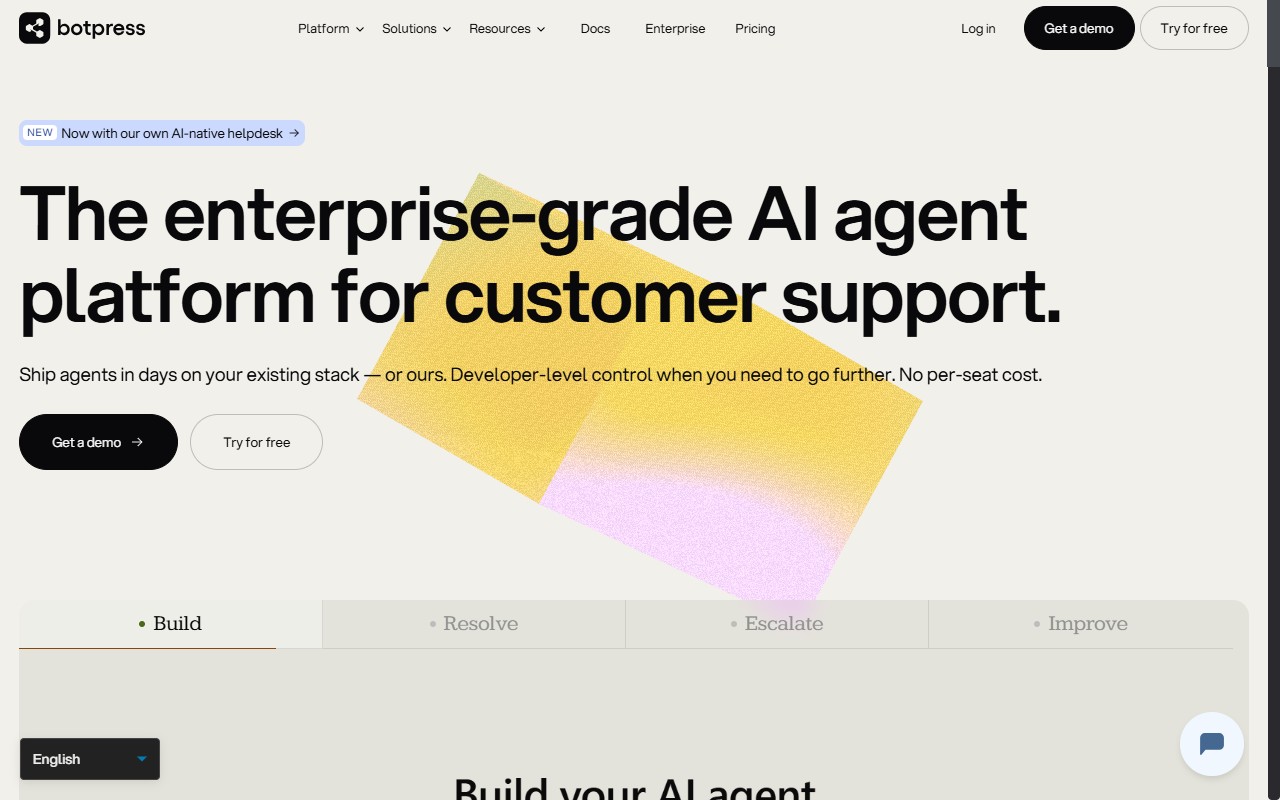
Best for: technical teams building complicated bespoke bots that do more than answer questions.
Key features: visual flows plus AI, open-source codebase, deep API and database connections, and a free tier for a single bot.
Pricing: a free plan covers one bot, then usage-based pricing applies on top for AI spend.
Watch out: Botpress is overkill for a simple support or FAQ bot. The community agrees, with most of its active users being developers. If no-one on your team writes code, you’ll likely find it frustrating and slower to launch than the alternatives below.
Chatbase
Chatbase lets you train an AI chatbot on your own content and embed it quickly. It has moved noticeably upmarket, and now counts large brands such as Bridgestone, IHG Hotels, and National Grid among its customers.
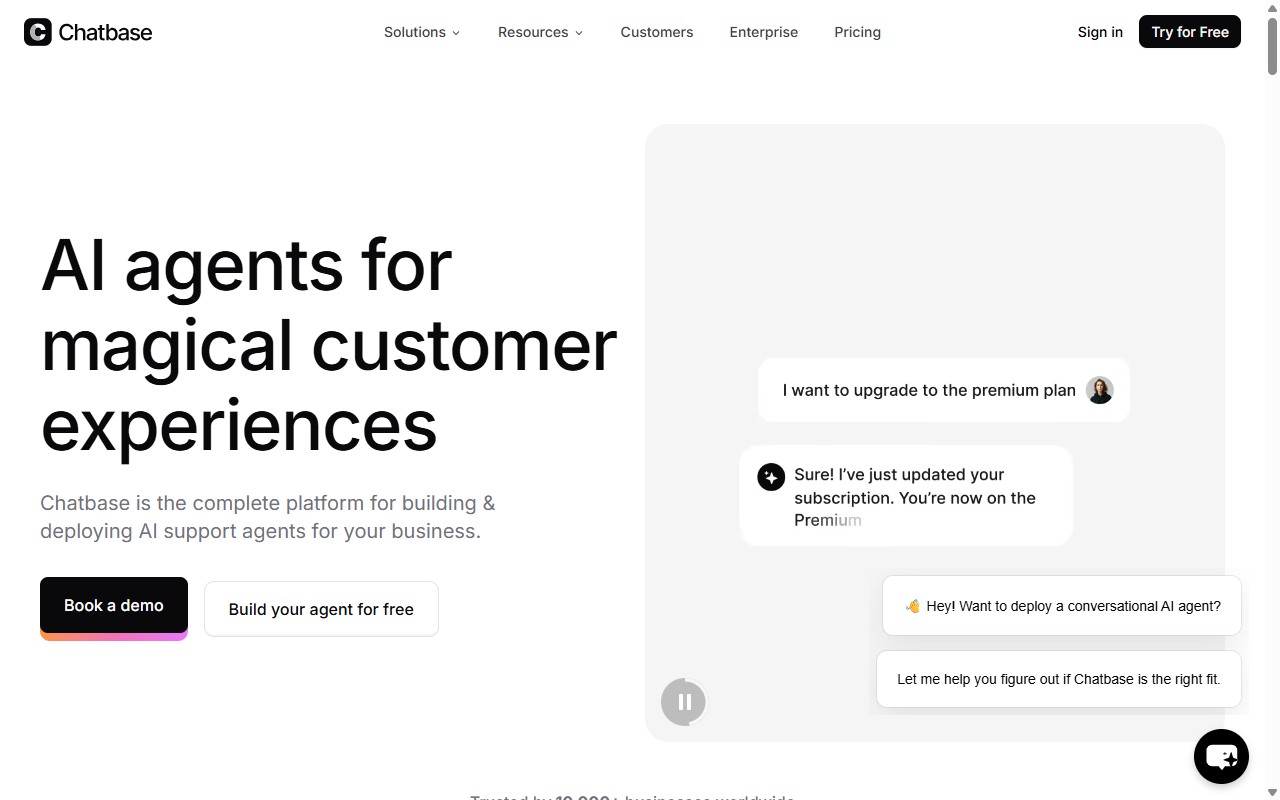
Best for: enterprise teams that want a custom AI bot and the scale to match.
Key features: trains on your documents and website, an API for embedding the bot inside products, analytics, and multiple model options.
Pricing: a free trial, then paid plans from around $40 per month, scaling up for higher message volumes and enterprise needs.
Watch out: that enterprise focus is reflected in the depth (and the price ladder). If you’re a small team that just wants an accurate support bot live this afternoon, you may not need everything Chatbase is built to do.
Crisp
Crisp is not just a chatbot. It is an all-in-one messaging suite with a shared inbox, live chat, a CRM-style contact view, and a no-code bot builder on top. More than 10,000 brands use it.
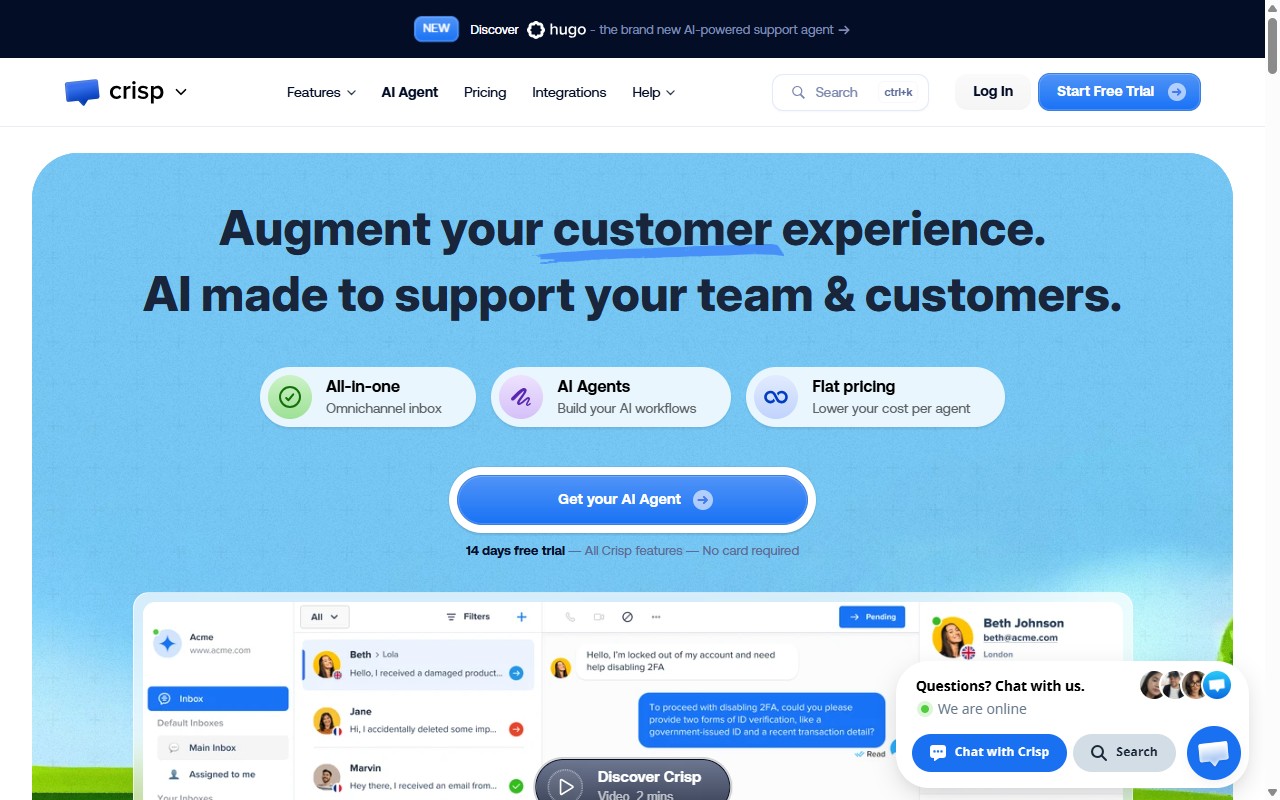
Best for: small teams that want one tool for live chat, shared inbox, and a bot, rather than a standalone chatbot.
Key features: visual bot builder, omnichannel messaging (web, WhatsApp, Messenger, Instagram, email), AI replies, and CSAT surveys.
Pricing: a free plan to start, with paid tiers from around $45 per month per workspace.
Watch out: if you only want a chatbot, you’re paying for a whole messaging platform you may not use. Already on Crisp? See our guide to the best AI chatbot for Crisp.
HubSpot
HubSpot offers a rule-based chatbot builder on every plan and an AI agent (Breeze) on its paid tiers. Its real strength is that the bot lives inside a full CRM, so conversations connect to contacts, deals, and marketing.
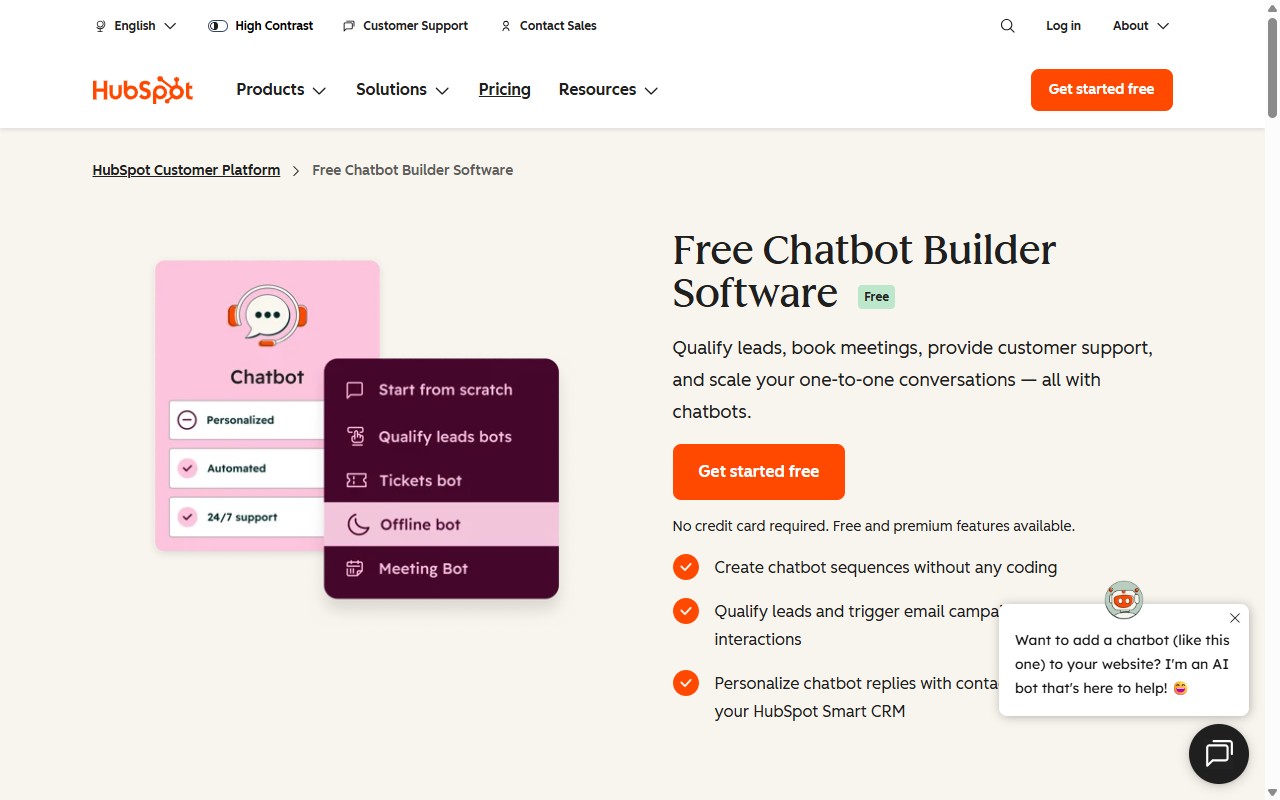
Best for: teams that want a complete CRM with a chatbot built in, not a standalone bot.
Key features: rule-based chatflows, the Breeze AI Customer Agent, and tight links to HubSpot’s CRM, marketing, and sales tools.
Pricing: the rule-based builder is free; the AI agent needs a Professional plan and uses credits at $0.50 per resolution.
Watch out: the AI is locked to higher plans and the per-resolution cost adds up fast. If you only need the chatbot, see our HubSpot AI chatbot alternatives and how to reduce HubSpot AI chatbot costs.
Landbot
Landbot is a visual, drag-and-drop builder focused on conversational flows. It is popular for lead capture, surveys, and marketing campaigns on websites and WhatsApp, and it is genuinely pleasant to use.
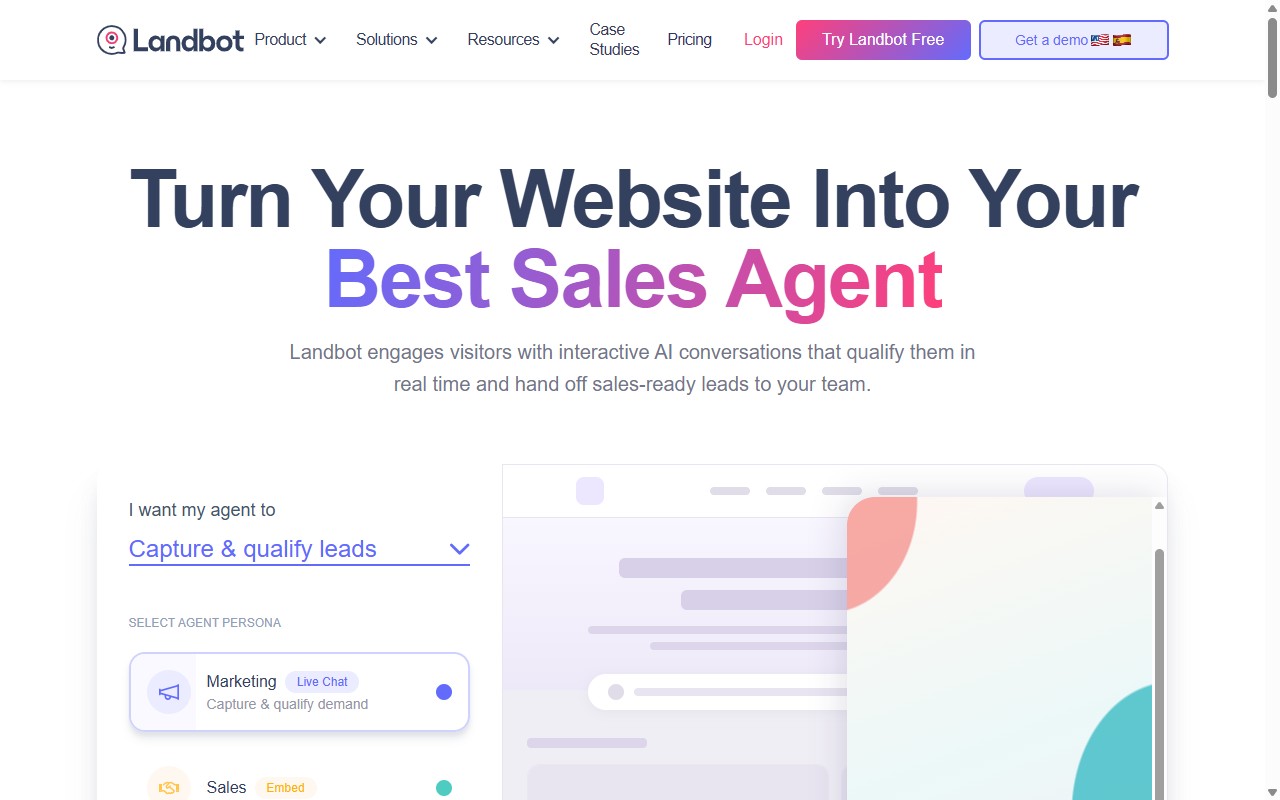
Best for: interactive lead-capture flows where you want to design every step.
Key features: an intuitive visual canvas, web and WhatsApp deployment, conditional logic, and templates to launch quickly.
Pricing: a free plan for basic bots, with paid tiers from around $40 per month.
Watch out: Landbot is flow-first. If you want a bot that reads your help docs and answers open-ended support questions on its own, an AI-led tool will serve you better.
ManyChat
ManyChat is the go-to for social media marketing automation. It automates conversations and lead capture across Instagram, Facebook Messenger, and WhatsApp, and it is free up to 1,000 contacts.
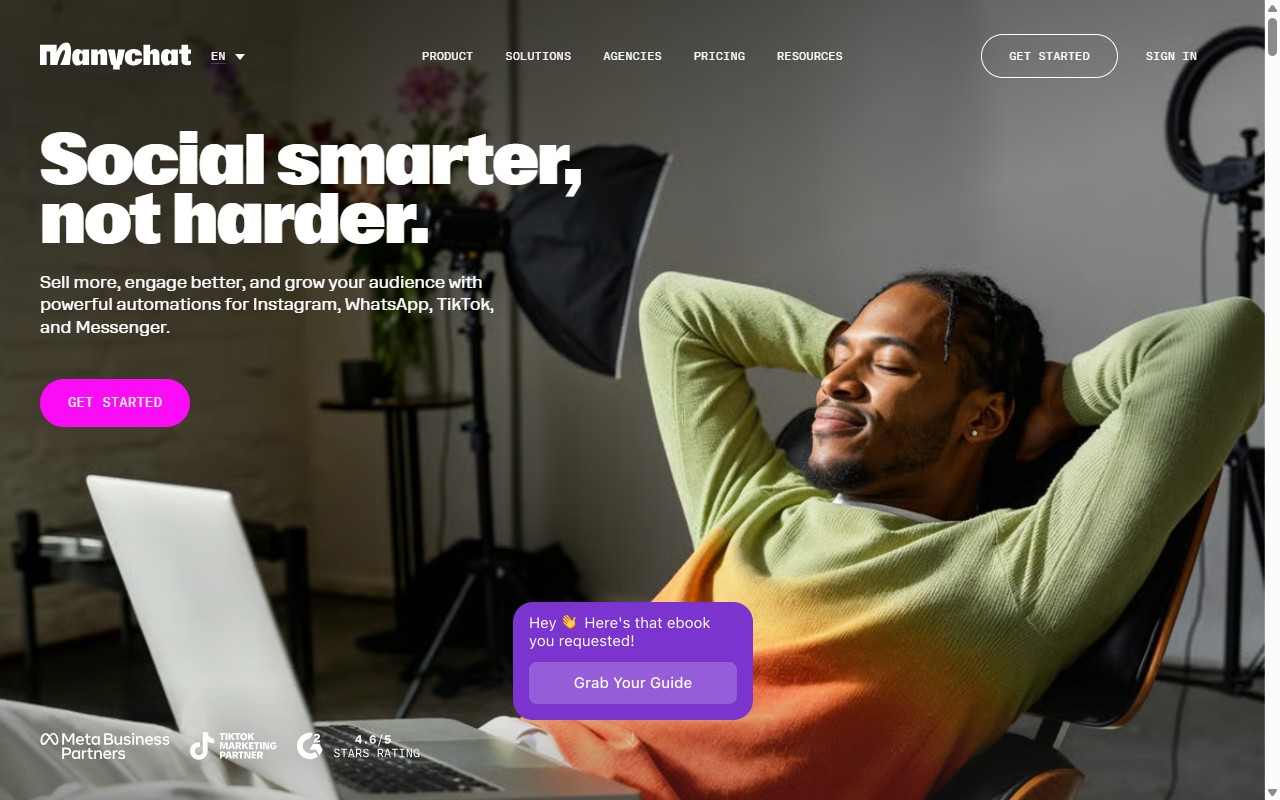
Best for: social media marketing and direct-message automation.
Key features: Instagram, Messenger, and WhatsApp automation, broadcast campaigns, e-commerce flows, and a generous free tier.
Pricing: free up to 1,000 contacts, with paid plans from $15 per month.
Watch out: ManyChat is not a website support bot. If your goal is answering customer questions on your own site, this is the wrong category of tool, however good it is at social.
Resolve247
Resolve247 is an AI support chatbot built for small and medium businesses. You point its AIChatbot at your website or help docs, and it answers customer questions accurately. It’s the tool we make, which is why we’ve placed it by use case rather than at the top.
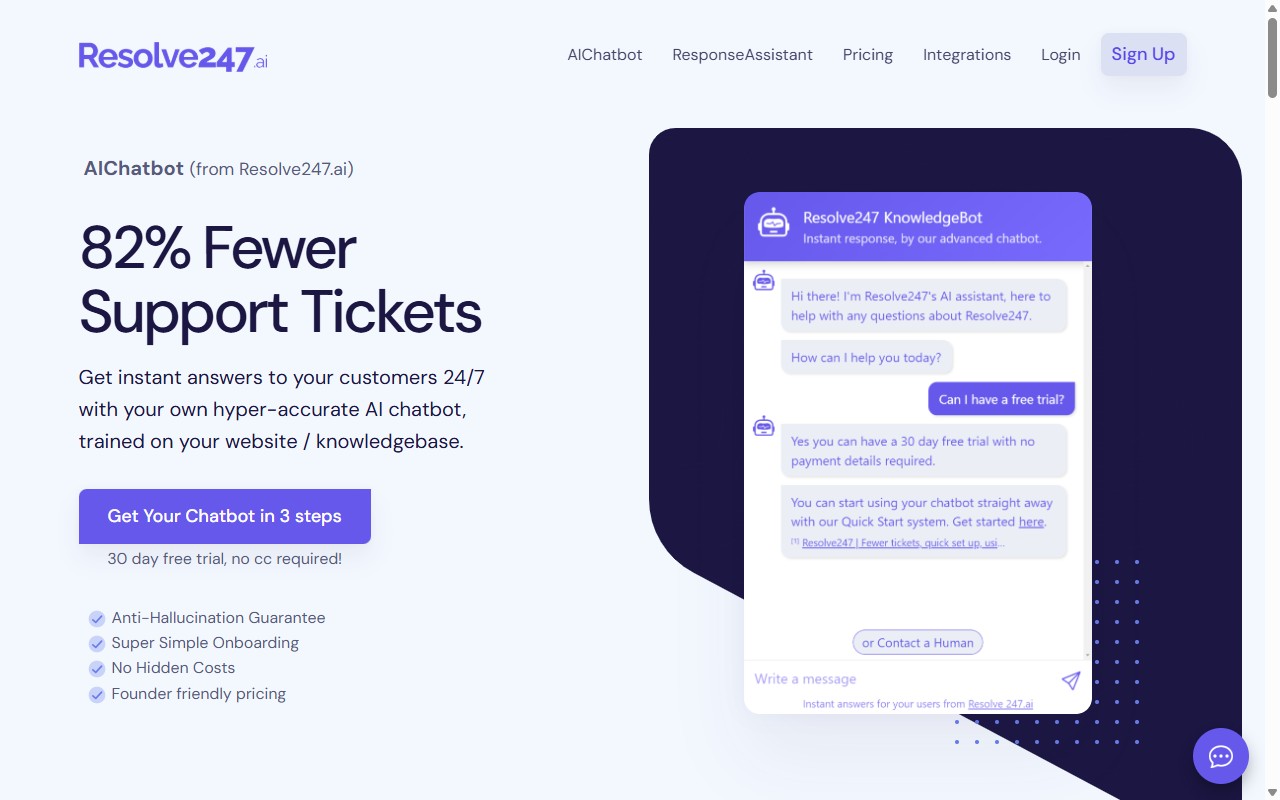
Best for: small business customer support that needs an accurate bot live quickly.
Key features: a 3-step setup that goes live in under 5 minutes, a no-code embed that works on any site including WordPress, Shopify, Squarespace, Webflow, and custom sites, and also integrates into your existing chat widget.
The standout: accuracy. The AIChatbot answers only from your own content and says so when it does not know, then offers human handover. That anti-hallucination approach is the sharpest difference from general-purpose bots, and it can resolve 82% of support tickets. Resolve247 was also named “Up and Coming” in the CMP Research chatbot provider assessment.
Pricing: from $35 per month ($29 on annual billing), with a 30-day free trial and no credit card required. See Resolve247 pricing.
Watch out: Resolve247 is built for support, not social-media marketing or scripted lead-capture campaigns. If that is your goal, Landbot or ManyChat are the better picks.
Tidio
Tidio blends live chat, scripted flows, and an AI agent called Lyro. It is especially strong for online stores, with templates for cart recovery, order tracking, and product questions.
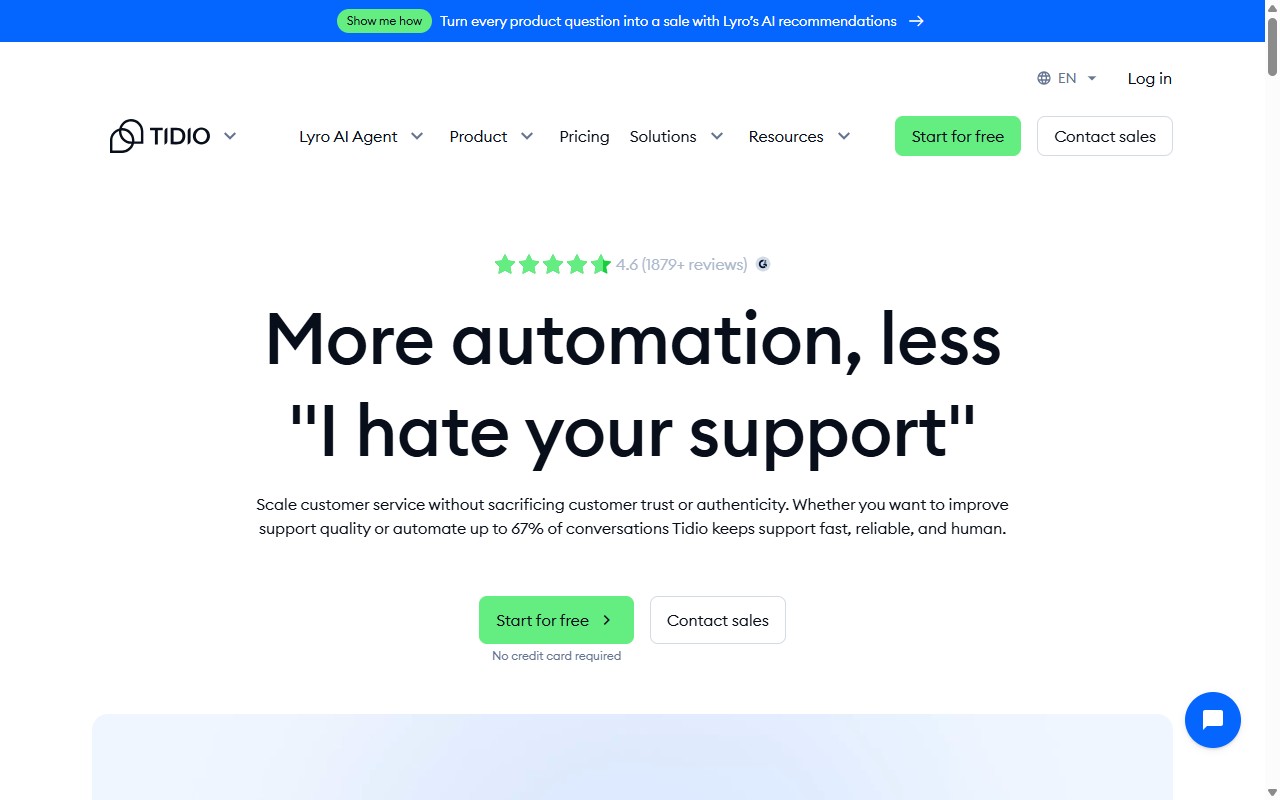
Best for: ecommerce stores that want live chat and a bot together.
Key features: visual flows, the Lyro AI bot, live chat, and deep ecommerce integrations with Shopify and others.
Pricing: a free plan to start, with paid tiers from around $29 per month and Lyro AI priced on conversations.
Watch out: if you are not running an online store, much of Tidio’s value is wasted. The AI conversation pricing can also climb as volume grows, so check the maths for your traffic.
Voiceflow
Voiceflow is a design tool for building advanced AI agents. Teams use its visual canvas to map detailed conversations, test them, and ship them across channels. It is loved by conversation designers.
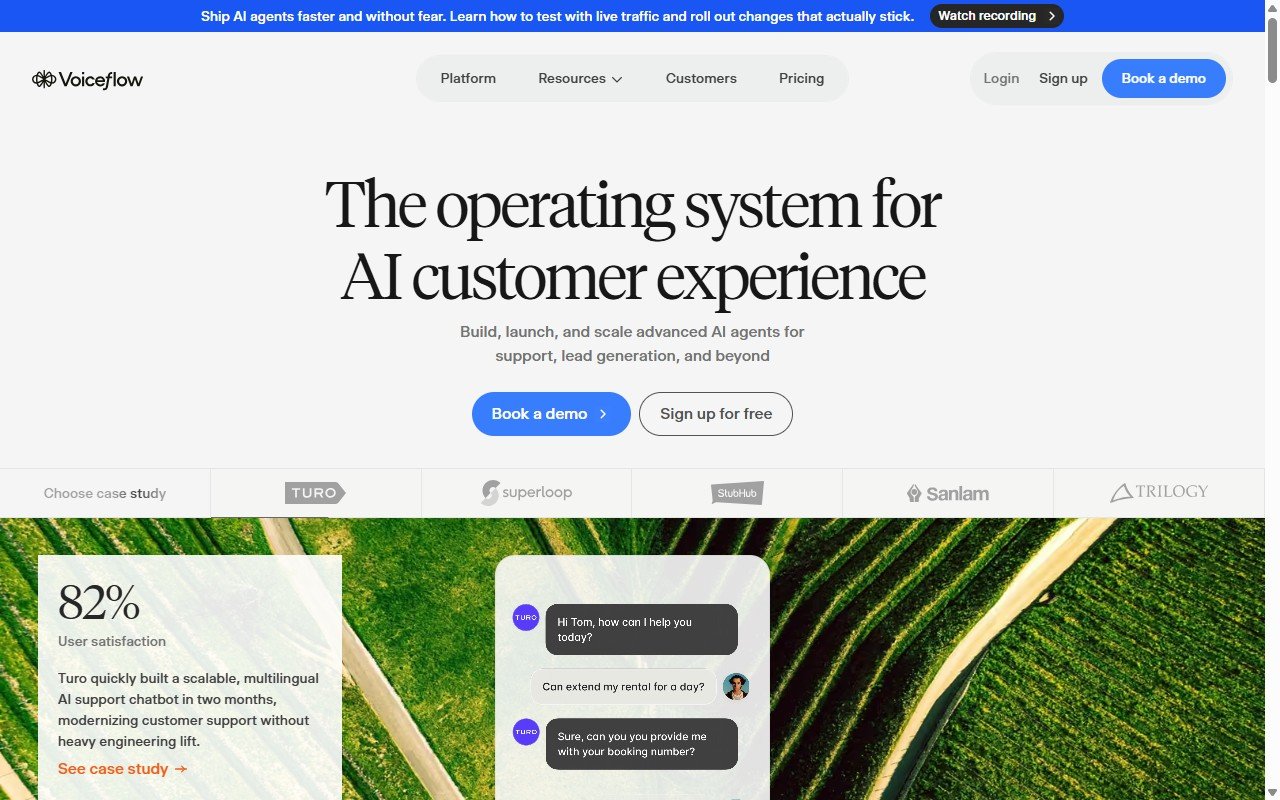
Best for: designing advanced AI agents where the conversation logic matters.
Key features: a powerful visual design canvas, AI and knowledge-base support, collaboration tools, and multi-channel deployment.
Pricing: a free plan for solo projects, with paid tiers from around $60 per month per editor.
Watch out: Voiceflow is a design environment, not a one-click support bot. If you just want an accurate FAQ bot live today, it is more tool than you need.
How to Choose the Right No-Code Chatbot Builder
With nine solid options, the choice comes down to your situation. Work through these four questions and the field narrows quickly.
1. What is the job? If you want to answer customer questions on your website, choose an AI chatbot that trains on your content (Resolve247, Chatbase). If you want to capture leads or run marketing flows, choose a flow builder (Landbot, ManyChat). If you sell online, Tidio is built for you.
2. How technical is your team? No-code should mean no code. If you have developers and want to build something custom, Botpress rewards that. If you do not, avoid it, and pick a tool that launches in minutes.
3. What will it really cost? Look past the headline price. Credit-based models (like HubSpot) and per-conversation AI add-ons can grow fast. Flat monthly pricing is easier to predict.
4. How important is accuracy? A bot that invents answers damages trust. If you are using it for support, prioritise a tool that only answers from your content and hands over to a human when it is unsure, instead of making things up. Make sure to choose a reliable AI Chatbot.
For most small businesses doing customer support, the priorities are simple: fast no-code setup, accurate answers, and predictable pricing. That is the exact gap Resolve247 was built to fill, though we would happily point an ecommerce store to Tidio or a marketer to ManyChat.
Frequently Asked Questions
Can I Build a Chatbot Without Coding?
Yes. Every tool in this guide is no-code. Most let you build and launch a chatbot by pointing at your website or help docs, customising the look, and copying a short embed snippet onto your site. AI-led tools like Resolve247 can go live in under five minutes, with no developer required.
What Is the Best Free No-Code Chatbot Builder?
For a genuinely useful free plan, ManyChat (free up to 1,000 contacts) leads for social media, while Tidio and Landbot offer free website plans with limits. Most AI chatbots offer a free trial rather than a permanent free tier, because the AI itself carries a running cost.
How Much Does a No-Code Chatbot Builder Cost?
It ranges from free to enterprise pricing. Simple flow builders start around $15 per month, AI support chatbots typically start between $35 and $60 per month, and credit-based tools like HubSpot can reach higher pricing ($0.50 per resolution). Always check usage limits and add-on costs, not just the headline price.
What Is the Difference Between a Flow Builder and an AI Chatbot?
A flow builder follows scripted paths you design by hand, so it only answers questions you anticipated. An AI chatbot reads your own content and answers open-ended questions in its own words, including ones you never scripted. Flow builders suit marketing; AI chatbots suit customer support.
Which No-Code Chatbot Builder Is Best for WhatsApp?
For WhatsApp specifically, ManyChat and Landbot are the strongest picks, with native WhatsApp automation and templates. Tidio and Crisp also support WhatsApp as part of their wider messaging suites, which is handy if you want web chat and WhatsApp in one place.
Which Is Best for Customer Support?
For small business customer support, look for an AI chatbot that trains on your help docs, answers accurately, and hands over to a human when needed. Resolve247 is built for exactly this, with an anti-hallucination guarantee and setup in minutes. Larger teams may also consider Chatbase.
The Bottom Line
There’s no single best no-code chatbot builder, only the best one for your job. To recap the shortlist by use case:
- Customer support (small business): Resolve247
- Enterprise AI bots: Chatbase
- Ecommerce: Tidio
- Social media marketing: ManyChat
- Lead-capture flows: Landbot
- Developers: Botpress
- Advanced agent design: Voiceflow
- A full CRM with a bot: HubSpot
- An all-in-one messaging suite: Crisp
Start by naming the job. If it is answering customer questions on your website, you want an accurate AI chatbot that trains on your own content, launches without code, and charges a predictable monthly price. That’s where Resolve247 fits, and it’s why we haven’t dressed up our placement on this list.
If that sounds like your situation, you can try Resolve247 free for 30 days, with no credit card required, and have an accurate support chatbot live on your site in under five minutes. See our pricing or explore the AIChatbot to get started.