
Introduction
You can build an AI chatbot in 15 minutes. The catch is that the 15-minute version usually knows nothing about your business. It chats happily, then invents an answer the moment a real customer asks about your refund policy.
Building the chatbot is the easy part. Getting it to give accurate answers, and keeping it accurate, is the real work. That’s the honest version most guides skip.
This guide walks through how to build an AI chatbot properly, whichever route suits you: writing your own code, using a no-code tool, or using a done-for-you solution trained on your content. You’ll learn how to choose a model, prepare your data, design the conversation, test it, and ship it, plus what it actually costs.
One shortcut first. If you’d rather not build anything and just want a working chatbot trained on your own content in a few minutes, you can try Resolve247’s Quick Setup and skip to a live bot. If you want to understand how to build one yourself, read on.
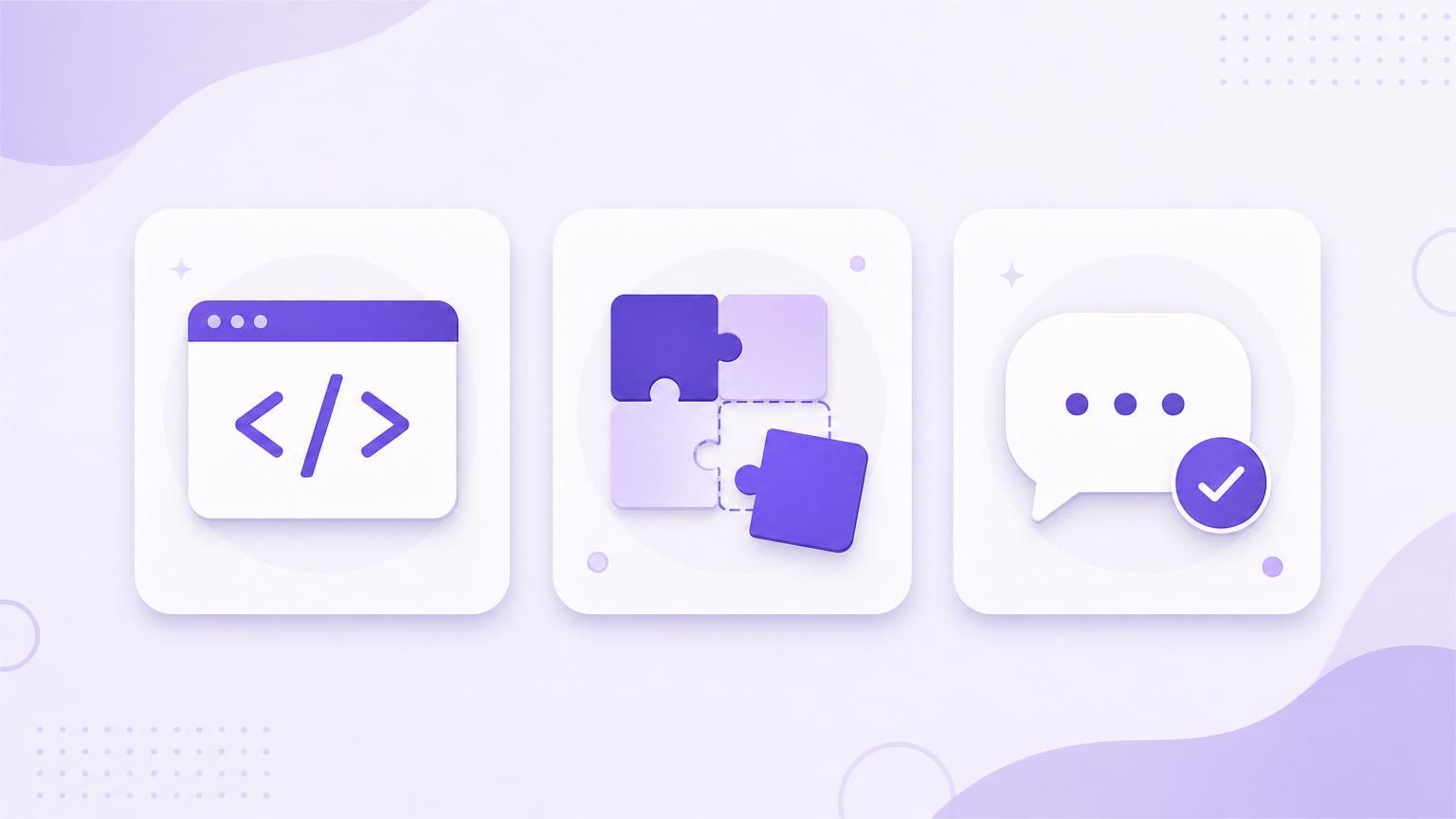
3 Ways to Build an AI Chatbot (and Who Each Is For)
“Build a chatbot” means three quite different things. Pick the route that matches your skills, your budget, and how much upkeep you’re willing to take on.
Code It Yourself
You write the code, call a model through an API, and host it. This gives you total control over behaviour and data. It also makes you responsible for everything: hosting, security, retraining, and fixing it when a library update breaks your bot. Best for developers building something genuinely custom.
Use a No-Code Builder
Visual tools let you build a bot by pointing at your help docs and clicking publish. No code, fast to launch, and far easier to maintain than a custom build. The trade-off is less control and ongoing platform fees. If this is your route, see our guide to the best no-code chatbot builders for a fair comparison of the main options.
Use a Done-for-You AI Trained on Your Content
You point a specialist tool at your website or knowledge base, and it handles the model, the hosting, the retraining, and the accuracy work for you. Least effort, most predictable cost, but you’re trusting a vendor with the heavy lifting. This is where Resolve247 sits: it isn’t a kit you assemble, it’s the option that skips the build entirely.
| Approach | Effort | Typical cost | Control | Best for |
|---|---|---|---|---|
| Code it yourself | High (ongoing) | Dev time + token bills | Total | Developers, custom logic |
| No-code builder | Medium | Monthly platform fee | Moderate | Non-technical teams |
| Done-for-you | Low | Flat monthly | Lower | SMBs who want it handled |
The common advice from people who’ve done this more than once: start no-code or done-for-you, and only build something custom if you genuinely outgrow it. You won’t out-engineer a platform that is a specialist in that one field, but you would have the option to make it precisely customised to any specific needs you might have.
How to Build an AI Chatbot in 8 Steps
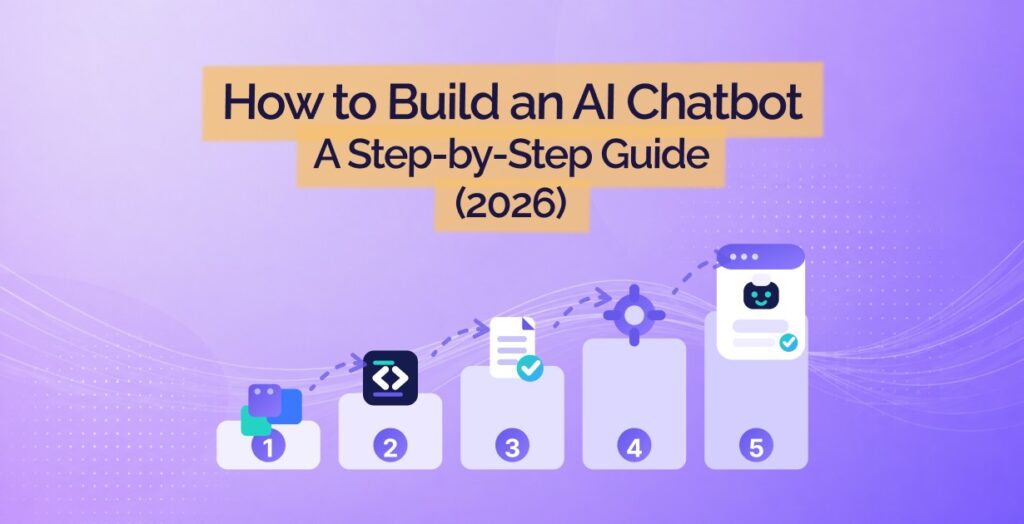
Whichever route you choose, the process is the same. Here’s the sequence at a glance:
- Define what it’s for: pick one job and scope it tightly.
- Choose your model: or let your tool handle it.
- Gather and structure your data: clean, current content it can retrieve.
- Design its persona and prompts: tone, boundaries, and fallbacks.
- Build the flow: greet, answer from your content, then escalate.
- Test for wrong answers: not just the happy path.
- Plan for handover: hand off cleanly when it can’t help.
- Deploy: put it where your customers ask questions.
The rest of this guide works through each step in turn.
Step 1: Define What Your Chatbot Is For
Before any tool or code, decide the one job your chatbot does well. A support bot that answers questions from your help docs is a different build from a lead-capture bot or an internal assistant. Trying to do all three at once is how you end up with a bot that does none of them properly.
Write down the questions you want it to handle, where your customers ask them, and what “done” looks like. A focused bot that answers your top 20 questions accurately beats a sprawling one that guesses at everything.
Be honest about scope, too. A bot that can’t actually do anything useful annoys customers more than a well-organised FAQ page. Clarity here saves you rebuilding later.
Step 2: Choose Your Model (or Let a Platform Choose for You)
The model is the brain of your chatbot. If you’re coding it yourself, you’ll pick one and call it through an API. If you’re using a no-code or done-for-you route, this is usually decided for you, which is one less thing to manage.
The Main Options
- OpenAI (GPT): widely used, strong general performance, lots of tooling. See current OpenAI pricing.
- Anthropic (Claude): strong at following instructions and long context, popular for support use cases. See Anthropic pricing.
- Google (Gemini): competitive and well integrated with Google’s stack. See Gemini API pricing.
- Open-source (Llama, Mistral and others): you can self-host for data control, but you take on the infrastructure and tuning.
Weigh three things: answer quality for your use case, cost per message, and where your data goes. For most customer-support bots, a leading hosted model is the pragmatic choice. The official OpenAI Platform docs are a good starting point if you’re coding.
When the Model Is Chosen for You
No-code builders and done-for-you tools select and manage the model for you, and often switch to better ones as they’re released. Resolve247, for example, handles model selection and upgrades behind the scenes, so you’re never re-plumbing your bot every time a new model ships.
Step 3: Gather and Structure Your Training Data
This is the step that decides whether your chatbot is useful or embarrassing. It’s also the one every quick tutorial waves away with “just import your content.”
“Training” Usually Means Retrieval, Not Fine-Tuning
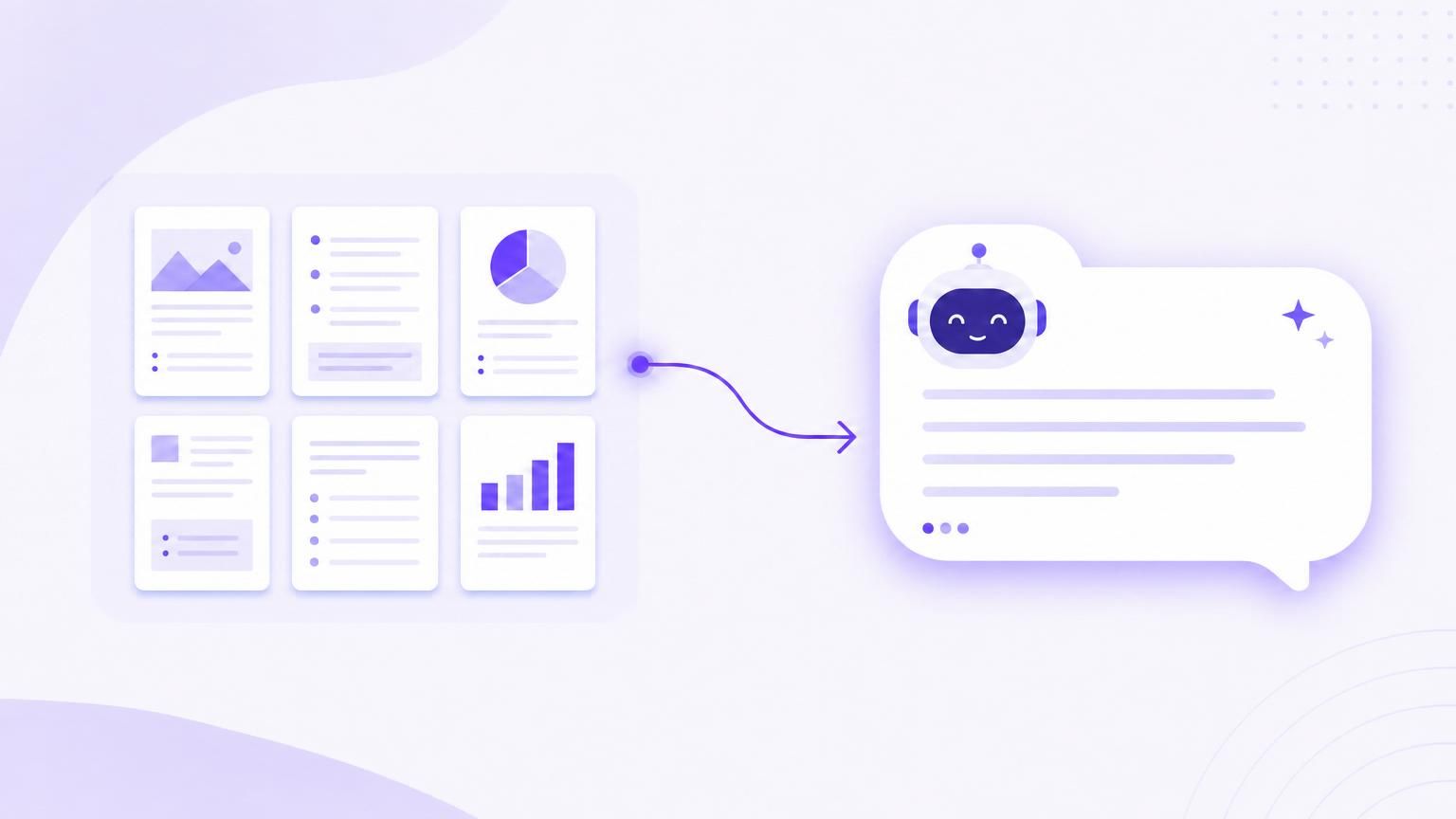
Here’s a common trap. People assume building a support bot means fine-tuning a model on their data. For most cases, it doesn’t. What you actually want is retrieval-augmented generation: the bot looks up the relevant passage from your knowledge base and answers from it. Fine-tuning changes the model’s style, not its facts.
Picture someone who sinks three days into fine-tuning, only to find a simple retrieval setup over their existing help docs would have done the job in an afternoon. It’s one of the most common time sinks in this whole process. Start with retrieval over your real content.
What Good Training Data Looks Like
Your bot is only as accurate as the content behind it. Garbage in, and it starts to make things up. Aim for content that is:
- Clean: well-written help articles, FAQs, and docs, not raw chat logs.
- Current: outdated pricing or policies will be quoted back to customers as fact.
- Gap-free: if customers ask it and the answer isn’t in your content, the bot can’t know it.
This is exactly the work Resolve247’s AIChatbot is built around. It trains only on the content you give it, with an anti-hallucination guarantee, so it answers from your knowledge base or says it doesn’t know, rather than guessing. If you’re going the done-for-you route, you point it at your site and it does the structuring for you.
Step 4: Design Its Persona and Prompts
A chatbot’s persona is more than a name and a colour. It’s the instructions that govern how it behaves: its tone, its boundaries, what it does when it isn’t sure, and when it should hand over to a human.
Spend real time on the system prompt. Tell it what it is, who it’s helping, and what it must never do (for example, never invent a policy or quote a price it can’t find). Give it an explicit fallback: if it doesn’t know, it should say so and offer a human, not improvise.
Most guides treat this as a throwaway step. Done well, it’s the difference between a bot that feels trustworthy and one that confidently misleads people.
Step 5: Build the Flow and Connect the Model
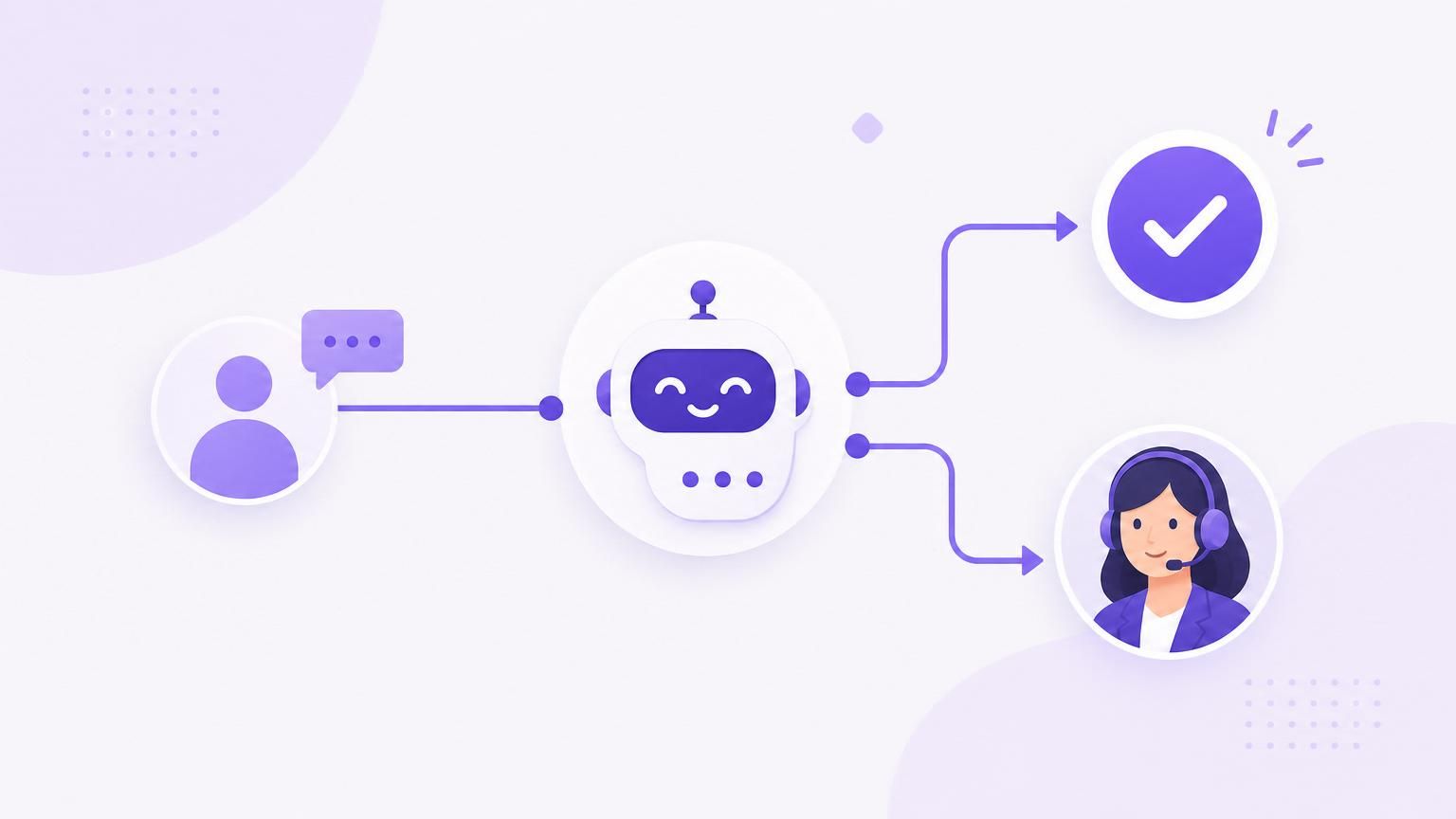
Now you wire it together. Across almost every successful support bot, the blueprint is the same: greet the visitor, answer from your knowledge base, and escalate to a human when needed.
If you’re coding, this means connecting your model and your retrieval layer, then handling the conversation state and the front-end widget. If you’re using a no-code or done-for-you tool, this is mostly configuration: set the welcome message, connect your content, and define the handover rules. The logic is identical; only the amount of plumbing changes.
Keep the first version simple. A reliable greeting-answer-escalate loop beats an elaborate decision tree that breaks in edge cases.
Step 6: Test Before Your Customers Do
Most people test the happy path, see it answer three easy questions, and ship. Then a customer asks something awkward and the bot invents an answer. Test for the wrong answers, not just the right ones.
Throw real, messy questions at it: edge cases, ambiguous phrasing, things that aren’t in your knowledge base, and questions designed to trip it up. The most important behaviour to check is what it does when it doesn’t know. It should admit it and offer a human, every time.
Set expectations realistically, too. Results vary wildly across the industry, and quality is the reason: a poorly built or badly trained bot resolves only a fraction of enquiries, while a well-trained one handles far more. As an example, Resolve247 handles an average of 82% of customer enquiries, largely because of the data-quality and expert prompt engineering work that goes in to building a good product. The goal isn’t a bot that answers everything; it’s one that answers correctly when it can and routes the rest cleanly.
Step 7: Plan for Handover and Fallbacks
A chatbot is your first line of defence, not a replacement for your team. The single biggest trust-killer is a bot that gives a confident wrong answer instead of admitting a limit. Decide up front what happens when it can’t help.
Good fallback behaviour looks like this: the bot recognises it’s out of its depth, says so plainly, and hands the conversation to a human without making the customer repeat themselves. Resolve247 builds this in with human handover, so the AI handles the routine questions and your team picks up the rest. That balance is what makes AI support feel helpful rather than frustrating. Our guide on when and how a chatbot should hand over covers the rules, the messages to show, and nights and weekends.
Step 8: Deploy Your Chatbot
Once it’s tested, decide where it lives. A support bot usually belongs on your website, but the same brain can run in a web widget, a mobile app, Slack, or WhatsApp. Match the channel to where your customers actually ask questions.
Deployment is mostly a copy-paste embed for hosted tools, or a hosting-and-front-end job if you coded it yourself. If your specific goal is putting a chatbot on your existing site and you want to weigh every method, our companion guide compares the eight ways to add an AI chatbot to your website in detail.
How Much Does It Cost to Build an AI Chatbot?
“How much does it cost to build an AI chatbot?” is the question everyone asks and few guides answer honestly. It depends entirely on your route.
Coding It Yourself
The model usage is often cheaper than people expect per message, but the bills add up, and output tokens typically cost several times more than input tokens. The real cost is your time: building, hosting, securing, and maintaining it. For a business, developer hours usually dwarf the API spend.
No-Code Builders
Most charge a monthly fee that scales with usage or message volume. Watch the “free” tiers: they’re genuinely free until you hit a low cap, after which production usage can climb quickly. Read the per-message or per-resolution pricing carefully before you commit.
Done-for-You
A specialist provider rolls the model, hosting, and maintenance into one predictable fee. Resolve247 starts at $35/mo, including the upkeep that eats the most time on the other routes. If cost is your driver, our breakdown of how AI chatbots reduce support costs shows where the savings come from.
The Part Nobody Warns You About: Keeping It Accurate
Here’s the 90% the tutorials stop before. Building the bot is a weekend. Keeping it accurate is forever.
Knowledge bases go stale. You change your pricing, update a policy, launch a feature, and unless something updates the bot, it keeps confidently quoting the old answer. Picture a no-code bot that demos beautifully in January, then six months later cheerfully tells a customer last year’s prices. That drift is the single most common reason chatbots get quietly switched off.
This is the strongest argument for a done-for-you tool over a DIY build. Resolve247 retrains automatically when your content changes, so the bot stays current without you babysitting it. However you build, plan for maintenance from day one. A self-built chatbot doesn’t come as set-and-forget; but specialist platforms have this built in already.
Frequently Asked Questions
How much does it cost to build an AI chatbot?
It ranges from near-zero to thousands per month. Coding your own means model usage fees plus significant developer time. No-code builders charge monthly fees that scale with usage. Done-for-you tools like Resolve247 start around $35/mo, with maintenance included. For most businesses, your time is the largest hidden cost.
Can I build an AI chatbot for free?
You can build a basic one for free using open-source libraries or free tiers of no-code tools. But “free” usually means low usage caps and no support, and you still pay in time to build and maintain it. For a customer-facing bot, a low-cost paid tool is often cheaper once you count the hours.
How hard is it to build an AI chatbot, and do I need to code?
You don’t need to code. No-code builders and done-for-you tools let non-technical people launch a bot in minutes. Coding your own gives more control but means handling hosting, retraining, and maintenance yourself. The hard part isn’t the build; it’s keeping the answers accurate over time.
How do I train a chatbot on my own data?
For a support bot, “training” usually means retrieval, not fine-tuning. You give the bot access to your help docs, website, or knowledge base, and it looks up the relevant content to answer. Fine-tuning changes a model’s style, not its facts, so it’s rarely what you need for accurate answers.
Why does my chatbot make things up, and how do I stop it?
It invents answers (often called hallucination) when it has no relevant content to draw on and isn’t told to admit that. Fix it with clean, current knowledge content, retrieval over that content, and an explicit instruction to say “I don’t know” and offer a human. Resolve247’s anti-hallucination guarantee is built on exactly this.
How long does it take to build an AI chatbot?
A no-code or done-for-you bot can be live in minutes to a few hours. A custom-coded bot takes days to weeks, depending on complexity. In every case, budget ongoing time for testing and keeping the content up to date.
Should I build a chatbot or buy one?
Buy or use a done-for-you tool if your goal is customer support and you want it working quickly. Build custom only if you have genuinely unique requirements and the engineering resource to maintain it. Most small businesses are better served buying, because the maintenance burden outweighs the control.
Conclusion
Building an AI chatbot comes down to three routes: code it yourself, use a no-code builder, or use a done-for-you solution. Whichever you pick, remember the honest truth running through this guide: the build is the easy 10%, and keeping it accurate is the other 90%.
If you want to learn by doing, you now have the full sequence: define the job, choose a model, prepare clean data, design the persona, build the flow, test for the wrong answers, plan for handover, and deploy. The best chatbot isn’t the cleverest one. It’s the one you’ll actually keep accurate.
If that upkeep sounds like more than you signed up for, you can skip the build. Resolve247 trains on your own content, keeps itself up to date, and hands over to your team when needed. Start a 30-day free trial, no credit card required, and have a working chatbot today instead of a project for next month.